 11 min read
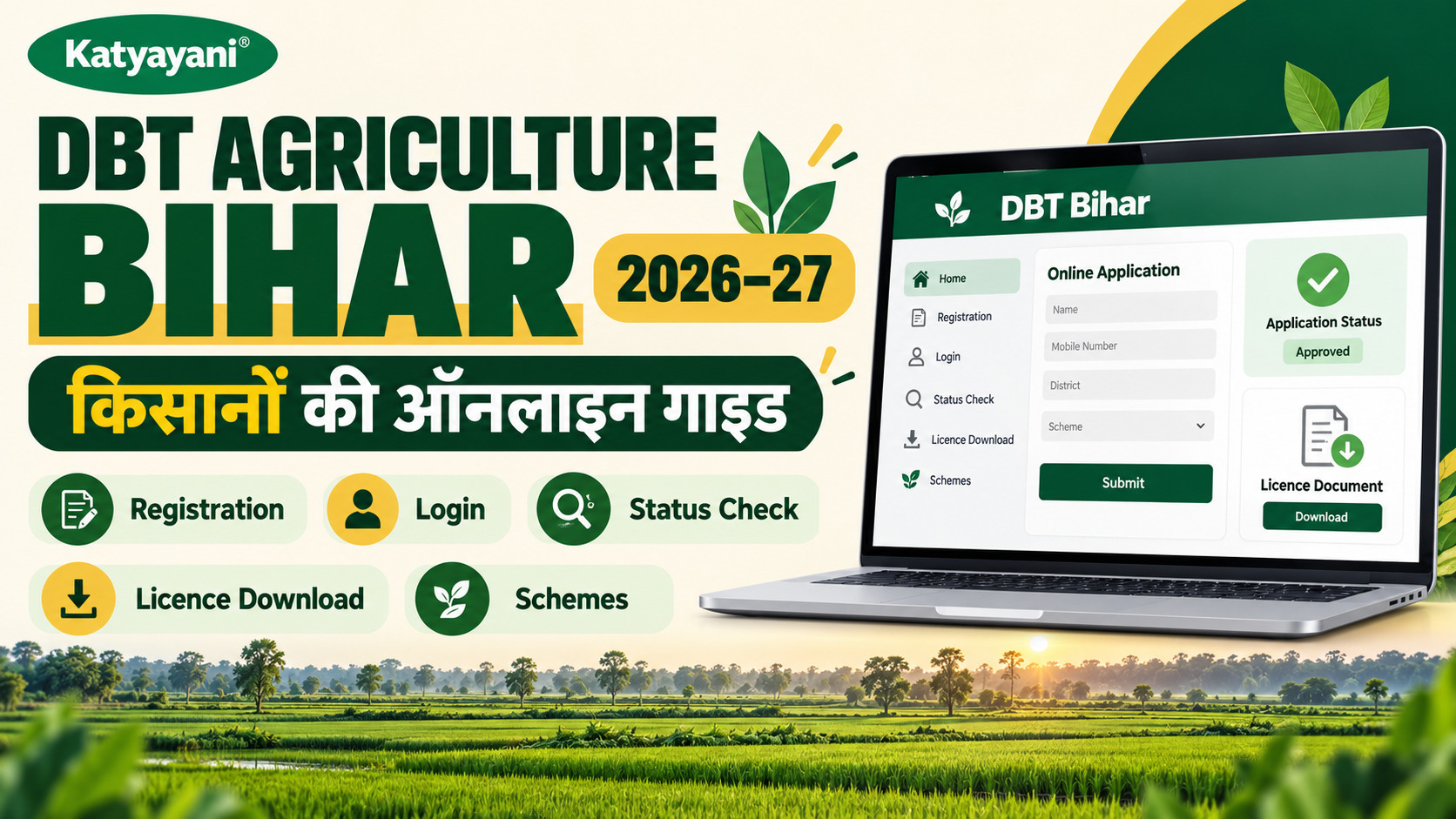
DBT Agriculture Bihar is the Bihar Agriculture Department portal at dbtagriculture.bihar.gov.in. A farmer first registers (Aadhaar-based, by OTP online or at a Vasudha Kendra with biometrics) and gets a 13-digit registration number. After about 48 hours that number can be used to log in and apply for schemes. Status, detail correction, beneficiary lists and the seed, fertiliser and pesticide licence services all sit on the same portal.
What is DBT Agriculture Bihar and who is it for?
DBT stands for Direct Benefit Transfer. On the DBT Agriculture Bihar portal, run by the DBT Cell of the Agriculture Department, Government of Bihar, farmers apply for subsidies and grants and the money goes into the bank account, not through a middleman. The same site also handles licences for input dealers, so it is used by two groups: farmers and shop owners.
The top menu, as read on 23 October 2026, has these main parts: Online Services (ऑनलाइन सेवाएँ), Application Status and Print (आवेदन की स्थिति एवं प्रिंट), Detail Correction (विवरण संसोधन), User Manuals (उपयोग पुस्तिका), Beneficiary Lists (लाभान्वित किसान की सूचि), Contact Us, Notices, and Login. If you know which of these you need, the rest of this guide takes about two minutes per task.
| What you want to do | Where on the portal | Who needs it |
|---|---|---|
| Register as a farmer (किसान पंजीकरण) | Online Services, Farmer Registration | Every farmer, before any scheme |
| Apply for a scheme or grant | Online Services, then the scheme name | Registered farmers |
| Check application status or print the form | Application Status and Print | Applicants |
| Fix a mistake in registration | Detail Correction | Registered farmers |
| See PM-KISAN beneficiary list | Beneficiary Lists (links to the PM-KISAN site) | PM-KISAN farmers |
| Apply for or check a seed, fertiliser or pesticide licence | Licence service (separate licence portal) | Input dealers and manufacturers |
DBT Agriculture Bihar gov in registration: step-by-step
Registration is the first job. Without it you cannot apply for anything. Here is what the official farmer registration page and the home page notice say.
Who can register
- A farmer of Bihar, either a land owner or a non-owner, aged 18 or older (as stated in the portal steps).
- A mobile number that is linked to the farmer's Aadhaar.
- An active bank account.
How to register online (OTP route)
- Open the portal home page and go to Online Services, then Farmer Registration (किसान पंजीकरण).
- The page first asks if you have a valid Aadhaar. It says Aadhaar is mandatory for all the department's grant schemes. If you do not have one, visit an Aadhaar enrolment centre first.
- Choose the authentication type. The page shows Demography plus OTP, Demography plus Bio-Auth, and Iris.
- Type the captcha shown in the image.
- Say whether you hold a Kisan Credit Card. If you say yes, you must type the account number. The page warns that a wrong account number will block your registration.
- Complete the remaining screens and OTP check. [VERIFY: the screens after this point need a live login; the exact fields for land and bank details were not visible when the page was read.]
How to register offline at a Vasudha Kendra
The home page notice says registration can also be done at a Vasudha Kendra with biometrics. The fee shown for this is Rs 10 per registration. Do not pay more than that. If someone asks for more, note the name of the centre and complain on the helpline given later in this guide.
The 13-digit registration number and the 48-hour rule
After registration, the portal says to wait 48 hours and then use the 13-digit registration number to apply for schemes. Write this number down or take a photo of the slip. You will need it for login, for status and for any correction. The registration page itself does not explain where the number appears on screen, so keep the printout or SMS you get. [VERIFY: where the number is shown after submit.]
No Last Date: The portal banner says there is no deadline for farmer registration. Do not wait for a scheme window to open. Register now so you can apply the day a scheme starts.
DBT Agriculture Bihar registration login: how to log in
The login link (लॉग इन करें) is on the top menu of the home page. The portal states the method for applications in plain words: use your 13-digit registration number, log in, and apply using an OTP. The portal then sends the application to panchayat, block and district level for verification.
There are several other logins on the same site, and this is where people get confused. The footer lists separate department logins for the Bihar Krishi (BiKAS) app, licence, vermi-compost, cold press, plant protection, diesel (used by SAO, DAO and AC/ADM officers), soil conservation and godown. Those are for officers and applicants of those specific services. A normal farmer needs only the farmer login.
Login problems and what to do
- Registered less than 48 hours ago: wait, as the portal advises.
- OTP not coming: the mobile number must be the one linked to Aadhaar. Check this first.
- Wrong name, mobile number or bank account in your record: use Detail Correction (see below), not a fresh registration.
- Still stuck: call the helpline in the contact section.
DBT Agriculture Bihar registration status: how to check
There are two different status checks, and people mix them up. The first is the status of your farmer registration. The second is the status of an application you made for a scheme.
Check farmer registration status
The official registration status page has a "Search by Aadhaar / Registration ID / Mobile" box. You choose Registration Id, Aadhaar No or Mobile No from a drop-down, type the value and the captcha, and search. The introduction on that page is in Hindi and says a farmer can check by registration number or by mobile number with Aadhaar. The form itself lets you search by any one of the three. [VERIFY: the result screen was not visible without a live search.]
Check application status for a scheme
Under Application Status and Print (आवेदन की स्थिति एवं प्रिंट), the portal lists separate pages for each scheme. On 23 October 2026 these included: Diesel Subsidy 2026-27 status, Agriculture Input Grant status and print (2025-26), print pages for earlier input grants, Paddy Procurement print (2024-25), Seed Grant application status, licence status and PM-KISAN beneficiary status. Pick the scheme first, then enter the details it asks for.
| Status you want | Menu item (as shown on portal) | Note |
|---|---|---|
| Farmer registration | Farmer Registration status (किसान पंजीकरण जाने) | Search by Registration Id, Aadhaar or mobile |
| Diesel subsidy 2026-27 | Diesel Subsidy status | Print option is listed for 2025-26 |
| Input grant (Krishi Input Anudan) | Input Grant print and status | Listed for 2025-26 on the status menu |
| Seed grant | Seed Grant application status | Needs your application details |
| Licence | Licence status | Use the application number, not the registration number |
| PM-KISAN | PM-KISAN beneficiary status | See PM-KISAN section below |
DBT Agriculture Bihar detail correction: how to fix mistakes
A wrong bank account or mobile number can stop your money. The portal has a Detail Correction menu for this. According to the portal, the rule depends on the type of mistake.
| Type of error | How to fix it (as stated on portal) |
|---|---|
| Village name, mobile number, bank account | Correct online, or at a Vasudha Kendra |
| District, block, panchayat, farmer type, caste, gender, parent or spouse name | Written application to the District Agriculture Officer, through the local agriculture coordinator or block officer |
There is also a "correction status" check on the same menu, so you can see if the change went through.
DBT Agriculture Bihar online: schemes open on the portal (23 Oct 2026)
This is the table readers want most, and it changes often. These are the services and dates the Online Services page showed on 23 October 2026. Several windows had already closed by that date. Always read the home page for the current list.
| Scheme or service | Date shown on portal | Status on 23 Oct 2026 |
|---|---|---|
| Krishi Input Anudan 2026-27 (कृषि इनपुट अनुदान) | 23-09-2026 6 AM to 29-09-2026 10 PM | Window shown as closed |
| Diesel Subsidy Kharif 2026-27 (डीजल सब्सिडी) | 17-08-2026 to 30-10-2026 | Open as per dates shown (VERIFY on live portal) |
| Cold Press Oil Extraction and Packaging incentive | Online application date 10-09-2026 | Past date |
| Pulse Processing Unit | Last date 15-09-2026 | Past date |
| Oil Processing Unit (Munger, Saharsa, Kishanganj) | 26-09-2026 to 30-09-2026 | Past date |
| Plant Protection: drone spraying applications | From 24-07-2026 | See portal |
| Lentil (Masoor) procurement 2026-27 | Listed, no date read | VERIFY |
| Seed grant, Agricultural Mechanisation, Micro Irrigation (PM Krishi Sinchai), Horticulture Directorate schemes | Listed under Online Services, no dates read | VERIFY on portal |
For a wider view of central and state schemes, see our guide to agriculture subsidy schemes in India and the agriculture schemes calendar. For machinery and drones, the tractor subsidy yojana and drone subsidy guides explain the central side.
Documents usually needed
The portal lists two items for a scheme application: an updated land record (LPC, rent receipt or jamabandi) and a self-declaration certified by a people's representative. Individual schemes may ask for more, so open the user manual (उपयोग पुस्तिका) for that scheme. The manuals section has implementation guidelines for input subsidy and diesel subsidy for several years.
Application hours and the OTP warning
The home page notice gives application hours as 10 AM to 6 PM. It also says OTP is mandatory for online applications, that you must keep the OTP confidential, and that applying without an OTP is punishable. In plain terms: never share your OTP with a cyber cafe worker or a dealer who says he will "do it for you".
DBT Agriculture Bihar gov in licence: seed, fertiliser and pesticide
The licence service is a separate part of the portal for people who want to run an input shop or make inputs. The licence home page describes it as an easy way to become an input dealer in Bihar. The licence types shown are Seed, Fertiliser, Insecticides (pesticides, handled through an external DBT Agriculture service site) and Vermi-Compost.
How to apply for a licence
- Register as an applicant on the Applicant Registration page of the licence portal.
- Log in through the login link in the New / Renewal / Endorsement section.
- Choose the licence category and submit a new, renewal or endorsement application.
- Check the document checklist for your category first. A PDF titled "Procedure to apply Online Application" is on the page.
- Pay through e-Chalan. The page says the challan can be downloaded from the e-Nidhi portal and payment status can be checked on the Payment Status pages. No fee amount is shown on the page. [VERIFY fee for each category.]
- The application is forwarded automatically to the inspection officers. After verification, the licence can be downloaded from the portal.
The checklists differ by level (state, division or district) and by type, with separate lists for fertiliser manufacture, marketing, non-FCO products, bio-stimulants and for endorsements. The page also carries the certified seed variety list and the banned pesticides list. If you are new to the rules, our post on how to get a pesticide and fertiliser dealer licence, state-wise explains the legal side.
DBT Agriculture Bihar licence download
There are two kinds of "download" on the licence portal, and the search words mix them up.
- Your own licence: after the inspection officers verify the application, the portal says the licence can be downloaded. The exact button name was not visible without logging in. [VERIFY.]
- Public lists: the page shows state-level e-signed licence lists for seed, fertiliser, insecticide and vermi-compost, and district-level e-signed downloads for fertiliser and seed. There are also lists of company, firm and shop licences and lists of cancelled licences. Insecticide lists are on external DBT sites.
Buyers can use these lists to check that a shop is licensed. This is a simple way to avoid fake stock, and our guide on how to identify fake pesticides and fertilisers covers the other checks.
Check licence application status
Open the licence status page. Pick the licence type from the drop-down (state-level seed, fertiliser or pesticide; district-level seed, fertiliser or insecticide; and the endorsement options), then enter the Registration Id. A Hindi note on the page says to use the application number printed on your application, and that the registration number is not the application number. So keep both numbers.
DBT agriculture beneficiary status: PM-KISAN and other lists
Under Beneficiary Lists (लाभान्वित किसान की सूचि) the portal links PM-KISAN beneficiary status to the national PM-KISAN site. A second item, "DBT scheme" list, was marked Under Construction on 23 October 2026. So, for Bihar state schemes, there is no public beneficiary list on this portal yet. Check your own application status instead, as shown above.
For PM-KISAN instalments, our detailed PM-KISAN instalment status guide shows how to check payment. The Bihar portal also lists SOPs for a PM-KISAN Aadhaar edit failure and for withdrawing from PM-KISAN benefits. Godown construction has its own selected and waiting lists (2024-25, 100 MT and 200 MT), published through lottery.
DBT Agriculture Bihar helpline and contact details
| Contact | Detail | Source on portal |
|---|---|---|
| Phone | 0612-2233555 | Home page footer |
| Toll-free | 1800-180-1551 | Home page footer |
| Email (home page) | agridbtcell1@gmail.com | Home page footer |
| Email (registration page, technical problems) | dbtcellagri@gmail.com | Registration page |
| Licence helpdesk email | agridbtcell@gmail.com | Licence page |
| Licence technical support | +91 8789578914 | Licence page |
| Licence office address and hours | Vikas Bhawan, New Secretariat, Patna 800015; 9 AM to 6 PM on working days | Licence page |
You will see three different email IDs. They are all printed on the official pages as shown. If one bounces, try the next. The portal also links district agriculture officer contact numbers (PDF), the DBT technical cell numbers (PDF), PM-KISAN district contacts and a CSC centre locator.
Common mistakes that stop DBT payments in Bihar
- Mobile number not linked to Aadhaar, so the OTP never arrives.
- Wrong KCC account number typed during registration, which the portal says will block the registration.
- Land record that is old or not in the applicant's name. The portal asks for an updated record.
- Using the registration number where the application number is needed, which is the mix-up flagged on the licence status page.
- Sharing the OTP with another person.
- Applying outside 10 AM to 6 PM and wondering why the page does not work.
If your crop was hit by flood or hail and you want insurance as well, see the separate PMFBY registration guide. Credit needs are covered in our Kisan Credit Card post.
Conclusion
DBT Agriculture Bihar is easy once you know which menu does what. Register once with your Aadhaar-linked mobile and bank account, keep the 13-digit number safe, wait 48 hours, then apply only when a scheme window is open. Check status from the Application Status menu, fix mistakes through Detail Correction, and use the licence service if you run an input shop. Always confirm dates and rates on the live portal, because they change often.
Why trust this guide
Written by Team Katyayani, Editorial Team at Katyayani Organics. Cross-checked against published research and university extension programs.


Leave a Comment